Mesh Wi-Fi vs. Wi-Fi Extender: Which One Should You Actually Buy?
 Dmitry Orlov, Editor-in-chief · phones, charging, networking · · 9 min read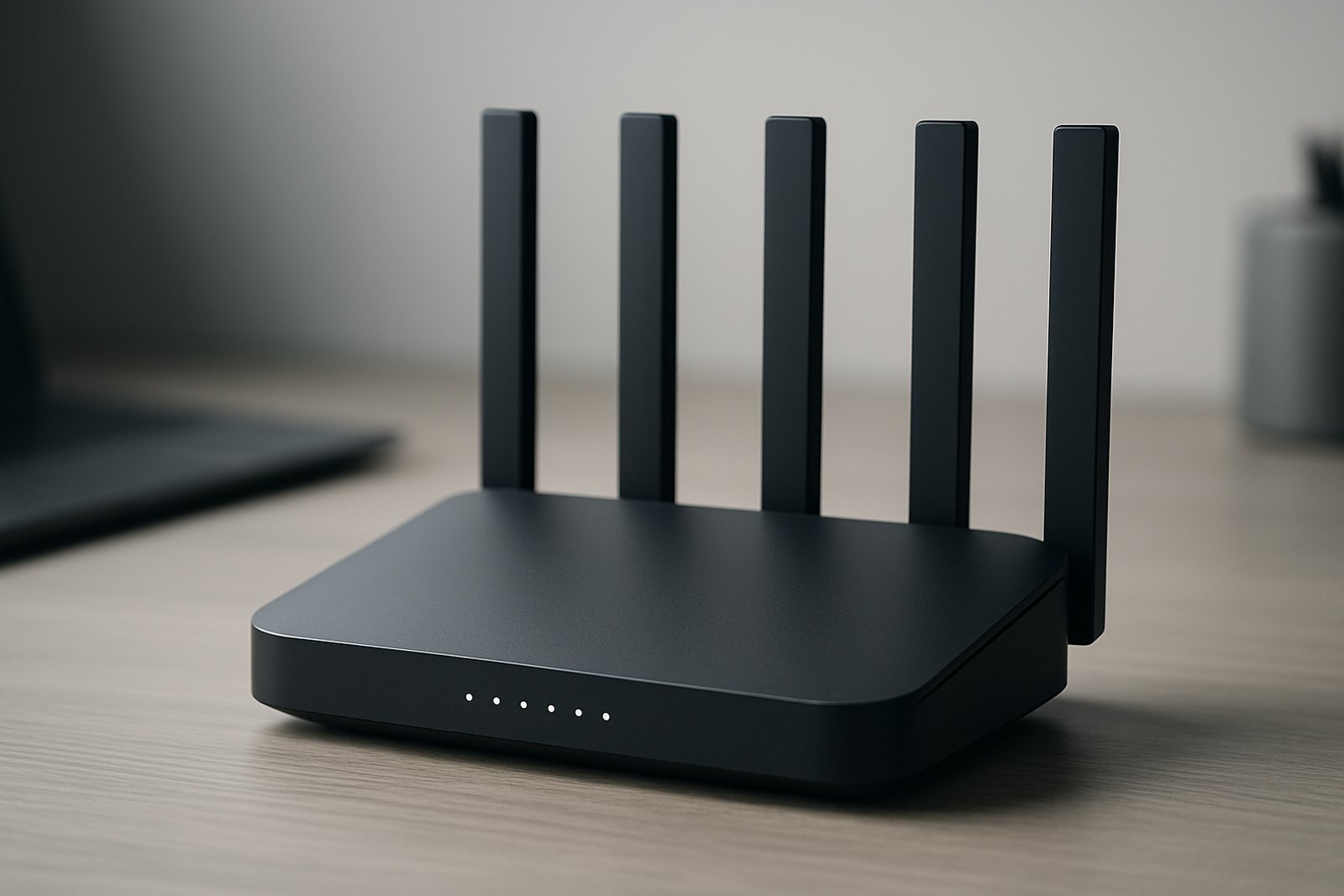
A mesh Wi-Fi system replaces your router with two or more matched units that share one network name and hand devices off between them; a Wi-Fi extender just rebroadcasts your existing router's signal from a cheaper, separate box. Mesh costs more but keeps speed and reliability closer to your main connection everywhere in the house; a basic extender is fast to set up but often halves throughput on the far side of the house.
Mesh Wi-Fi vs. extender: the short answer
Both products solve the same complaint — a weak signal in a bedroom, garage, or basement — but they solve it in different ways. A Wi-Fi extender (also called a repeater or booster) is a single plug-in device that picks up your router's existing signal and rebroadcasts it, usually under its own network name. A mesh Wi-Fi system replaces your router entirely with two or more nodes that are designed to work together as one network, automatically routing each device to whichever node has the strongest, least-congested connection.
The practical difference shows up in three places: speed at the edge of your coverage, how smoothly your phone or laptop switches nodes as you walk around, and price. A two-node mesh kit generally costs more than a single extender, but it behaves like one continuous network instead of two separate Wi-Fi bubbles you have to manually reconnect between.
What a Wi-Fi extender does — and why it can cut your speed in half
A basic, single-band Wi-Fi extender has one radio that has to do two jobs on the same channel: receive data from your router and then retransmit it to your device. Because it can't do both at once, it splits its airtime between the two hops. In practice this is why cheap extenders are widely reported to cut real-world throughput roughly in half compared to a direct connection to the router — a pattern documented in reviews and long-running user reports on manufacturer forums, and explained by outlets like How-To Geek and Consumer Reports.
Two things reduce or remove that penalty:
- Dual-band or tri-band extenders that dedicate one radio band purely to the router-to-extender link (the "backhaul") and another to your devices, so the two hops don't compete for the same airtime.
- Wired backhaul: if you run an Ethernet cable from your router to the extender (or use a powerline/MoCA adapter as that link), the wireless hop to your devices is no longer bottlenecked by a second wireless hop at all. This is the single biggest fix for extender speed loss, and it's the same trick that high-end mesh nodes use.
The other downside of most consumer extenders: they broadcast a separate network name (something like "HomeWiFi_EXT") that your device won't automatically hand off from as you walk further into the house. You have to manually switch networks, and video calls or downloads can stall during that switch.
What a mesh system does differently: access points and backhaul
Every node in a mesh kit acts as a full access point on one unified network name (SSID), so your phone or laptop reassociates to the nearest node automatically — no manual switching, and in systems with proper band-steering the handoff is usually fast enough that you don't notice a video call drop. The nodes talk to each other over a backhaul connection, and how that backhaul works is the most important spec to check before buying:
- Wireless backhaul (most common): nodes communicate over Wi-Fi, either sharing a band with your devices (cheaper, slower under load) or using a dedicated third radio band reserved just for node-to-node traffic (tri-band systems, noticeably more consistent).
- Wired backhaul: you run Ethernet between nodes, which is the most reliable option and removes the wireless bottleneck entirely. Most current mesh kits, including budget Wi-Fi 7 systems, include at least one wired LAN port per node specifically to support this.
Because nodes are matched hardware tuned to cooperate, independent measurements from sites like RTINGS generally show mesh systems holding up better than extenders at the far edge of coverage, especially with more than one client device active at once.
Mesh network vs. extender: pros and cons at a glance
| Factor | Wi-Fi extender | Mesh Wi-Fi system |
|---|---|---|
| Typical cost | $25-$80 for one unit | $150-$600+ for a 2-3 node kit |
| Setup effort | Low; plug in, pair, done | Low to moderate; app-guided, but you place multiple units |
| Network name | Usually separate, manual switching | Single SSID, automatic handoff |
| Speed at the edge | Often halved on single-band models | Closer to full speed, especially with dedicated or wired backhaul |
| Best for | One small, single dead zone | Whole-home coverage, multiple floors, thick walls |
| Scalability | Limited; extenders don't mesh with each other well | Add nodes later without rebuilding the network |
How much house does one node actually cover? (sq ft rules of thumb)
Coverage claims on the box are measured in open, obstruction-free space, so treat them as a ceiling, not a promise. A commonly cited practical guideline, echoed across several mesh-buying guides:
- A single router or one mesh node comfortably covers roughly 1,000-1,800 sq ft in a typical home with normal wall construction.
- Each additional mesh node extends usable coverage by a similar amount, so a 2-node kit suits homes up to roughly 3,000 sq ft, and a 3-node kit suits 3,000-5,000+ sq ft, adjusted for layout.
- Multi-story homes generally need one node per floor rather than relying purely on square footage, since floors and stairwells attenuate signal more than open rooms do.
Space nodes so each one still sees a reasonably strong signal from its neighbor — too close wastes a node's range, too far starves the backhaul link and drags down speed for everyone connected further down the chain.
Wi-Fi 6E and Wi-Fi 7 mesh: what you get at each price (2026)
Prices move constantly with sales, so treat these as typical street-price ranges as of September 2026 rather than fixed numbers, and check current listings before buying.
- Entry Wi-Fi 7 mesh, 2 nodes (~$150-$230): dual-band systems like TP-Link's Deco BE25 line bring Wi-Fi 7 features (higher peak link speeds, improved efficiency) at extender-adjacent pricing, with wired 2.5G backhaul ports included — a genuinely good entry point if your home isn't huge.
- Mid-range Wi-Fi 6E mesh, 2-3 nodes (~$300-$450): tri-band kits such as Amazon's eero Pro 6E or ASUS ZenWiFi's 6E line add a dedicated backhaul band and generally cover larger homes more evenly; 3-packs regularly go on sale in this range.
- Premium tri-band Wi-Fi 6E/7, 3 nodes (~$600-$1,500): flagship kits like Netgear's Orbi 6E series or TP-Link's higher-tier Deco BE63/BE65 models add faster multi-gig wired ports, stronger processors for many connected devices, and more consistent backhaul throughput for large or multi-story homes.
If your internet plan tops out well under 500 Mbps, the jump from Wi-Fi 6E to Wi-Fi 7 mesh mostly buys you headroom for the future and less congestion with many devices, rather than a speed increase you'll feel today — reviewers largely agree first-generation Wi-Fi 7 gear is safe to buy now but not yet necessary for most homes.
When a single better router is the right answer
Neither a mesh kit nor an extender is always the fix. Skip both and buy one stronger standalone router if:
- Your home is under roughly 1,500-1,800 sq ft on one or two levels without unusually thick walls.
- Your current router is several years old, or is the free unit from your ISP — often the weak link is the router's radios and antennas, not distance.
- You mainly have one central location (like a living room) where a router with better antennas and placement could reach every room directly.
If a router upgrade alone doesn't close the gap, that's when to add either an extender for a single stubborn spot or a mesh kit for broader, more even coverage.
Common mistakes to avoid
- Buying a single-band extender for a fast internet plan. If you pay for 500 Mbps or more, a cheap single-band extender will bottleneck you well below that on the far side of the house.
- Placing an extender or mesh node too far from the router. It should sit roughly halfway between the router and the dead zone, still within a strong signal from the router itself.
- Ignoring wired backhaul when it's available. Even one Ethernet run from the router to the farthest node meaningfully improves speed and reliability over a fully wireless mesh.
- Assuming more nodes always means more speed. Extra nodes mainly add coverage and reliability; your top speed is still capped by your internet plan and the node your device is connected to.
- Skipping firmware updates. Both extenders and mesh nodes get real performance and security fixes; leaving them on out-of-box firmware is a common cause of random drops.
Frequently asked questions
Do Wi-Fi extenders really cut your speed in half?
Is mesh Wi-Fi worth it over a regular router and extender?
How many mesh nodes do I need for my house?
What is backhaul in a mesh Wi-Fi system?
Should I get Wi-Fi 6E or Wi-Fi 7 mesh in 2026?
Can I mix a mesh system with an existing router?
Sources: How-To Geek — Your Wi-Fi 'extender' is actually cutting your speed in half, Consumer Reports — Should You Buy a WiFi Range Extender?, Engadget — Mesh Wi-Fi or a range extender? Pros and cons explained, RTINGS.com — The Best Mesh Wi-Fi Systems of 2026, How-To Geek — How Many Wi-Fi Mesh Nodes Do You Need?, TP-Link — Mesh Wi-Fi vs. Range Extender: Full Home Upgrade or Targeted Fix.
How we write: we compare manufacturer specifications, independent lab measurements and verified owner reports. Prices are typical US street prices as of September 2026 and change often.